
#
Getting Started with Kingdoms
Welcome to Kingdoms! Whether you’re a first-time player or a returning adventurer, this guide will walk you through the basics — from joining the server to growing your first kingdom.
#
1. Joining the Server
You can connect using either of these addresses:
- mc.cubedcraft.com
- mc-kingdoms.net (default port
25565)
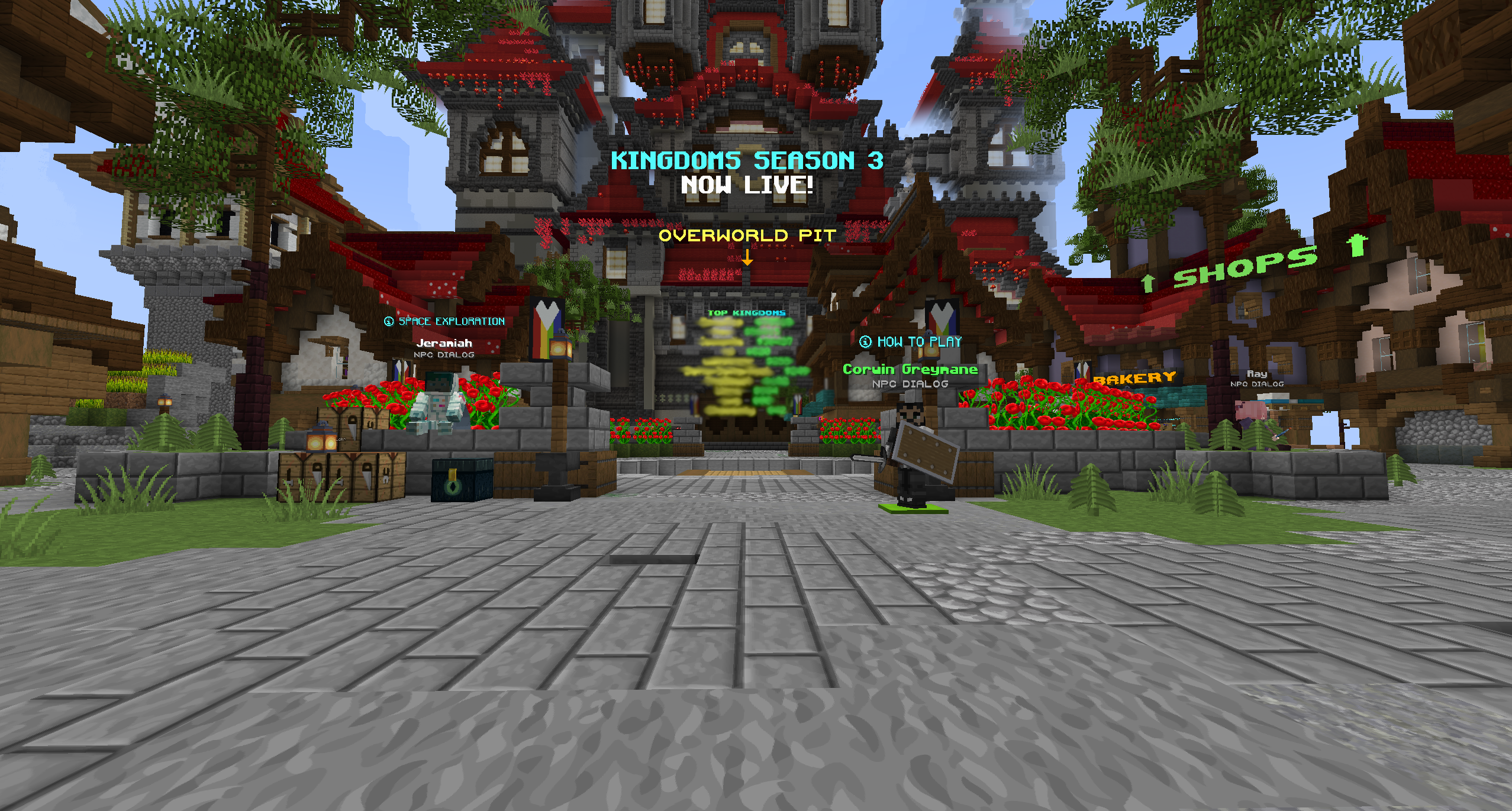
Once connected, drop down into the Overworld pit. You’ll be teleported to a random location in the Overworld where you can begin your journey.
#
2. Creating or Joining a Kingdom
#
✨ Create Your Own Kingdom
When you find a good spot, run:
/k create <name>
This creates your kingdom and places a Kingdom Core beneath you.
Important
Protect your core at all costs — if another kingdom destroys it, you’ll lose your claims. Try finding a safe location.
#
🤝 Join an Existing Kingdom
Ask a kingdom leader to invite you. Once invited, run:
/k accept <kingdom name>
You’re now a member of that kingdom!
#
🏠 Teleport to Your Kingdom Home
At any time, you can return to your kingdom’s home base:
/k home
This takes you to the area above your core.
#
3. Starting Out: Small Steps, Big Rewards
Tip
Don’t try to do everything at once — start small and grow over time.
Kingdoms uses a progression system with 8 tiers to unlock.
- As your kingdom gold and kingdom level increase, new tiers become available.
- Raising your kingdom worth (placing valuable blocks like diamond or gold blocks) increases your level.
- To see what blocks add value, run:
/k worths
#
4. Understanding the Economy
Kingdoms feature a unique economy system based around money and kingdom gold.
- Money comes from mining, farming, mob drops, or using generators.
- Kingdom Gold (KG) is the special currency tied to your kingdom.
- Used to unlock items in the Progression Menu.
- Helps increase your kingdom’s worth.
- Exchange Rate: Every
$1000is equal to1 Kingdom Gold. You can purchase kingdom gold in the gold menu.
Note
Think of kingdom gold as your “long-term investment” — it fuels your kingdom’s growth.
#
How to Earn Money as a New Player
- Mine Valuable Ores
- Diamonds, gold, and other ores sell well.
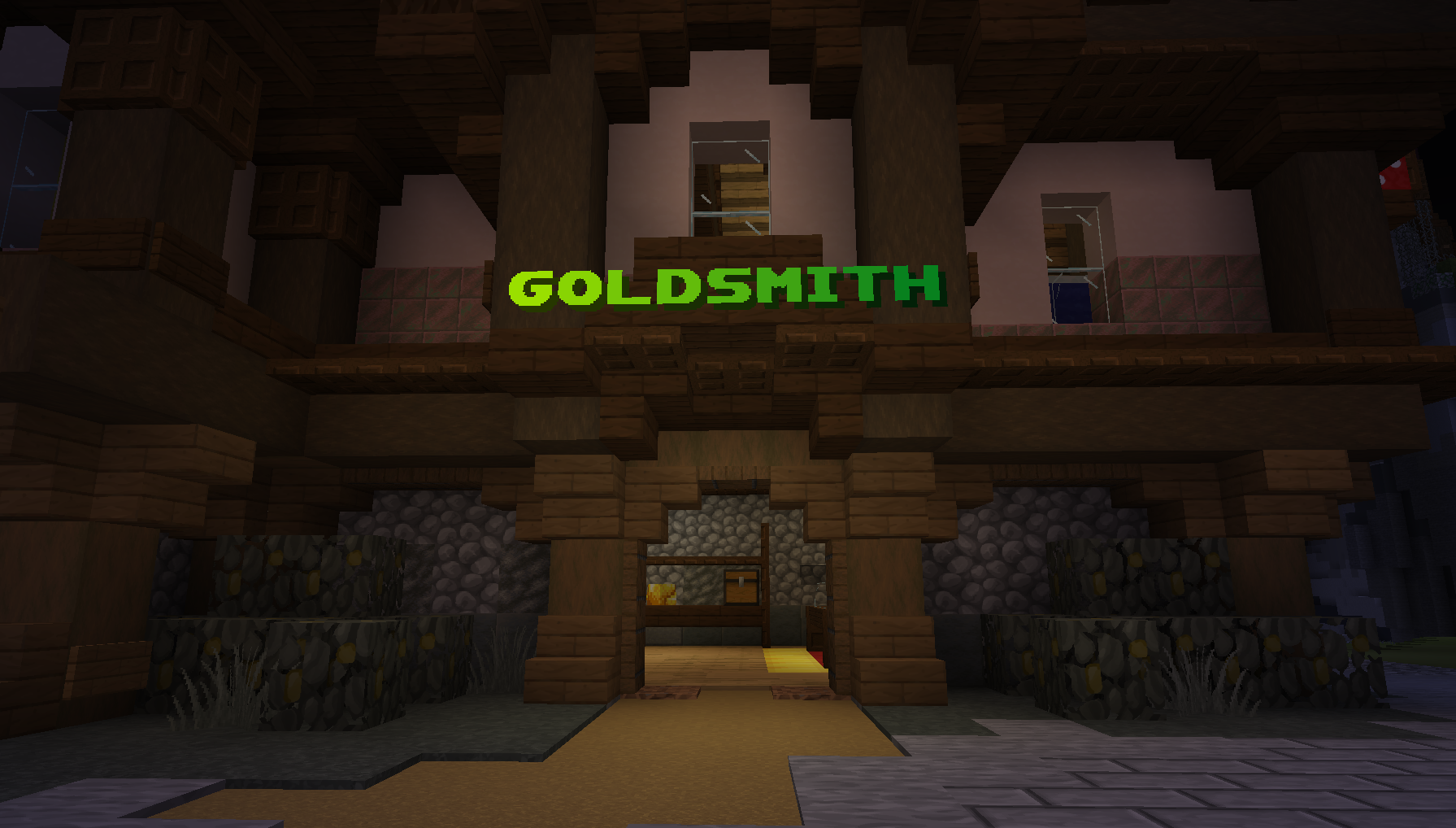
- Sell at the Goldsmith Store
- Return to
/spawnand sell your mined goods.
- Return to
- Use Generators Carefully
- Generators produce passive income but are meant to supplement, not replace, your other income sources.

- Generators produce passive income but are meant to supplement, not replace, your other income sources.
Tip
Quick Reference:
- 1 Kingdom Gold ≈ $1000 (1 Diamond)
- Level 1 Generator = $10,000
- Level 2 Generator = $30,000
- Level 3 Generator = $40,000
- Level 4 Generator = $75,000
- Level 5 Generator = $150,000
Once you’ve earned enough money, go back home with /k home and right-click your core block. This opens your kingdom menu.
From there:
- Click the Progression Compass to open the Progression Menu.
- Start with the Village Tier (it’s free) to unlock your first unique kingdom items.
- To view all the progression items that you can purchase, go to the progression menu page
#
5. Building a Balanced Start
A good early game strategy:
- Save for a Level 1 Generator.
- While it runs, build your first farm to supplement income.
#
Easy Farm Ideas
Tip
TNT sells high — gather enough sand and gunpowder to craft it for extra profit.
#
6. Moving Forward
As you grow:
- Continue mining, farming, and selling at the Goldsmith store.
- Invest in more generators and higher tiers in the Progression Menu.
- Place valuable blocks in your claims to boost your kingdom worth and level.
- Unlock more powerful tools and structures as your kingdom advances.
#
Quick Start Checklist
- Join the server and drop into the Overworld.
- Create or join a kingdom.
- Set your home with
/k home. - Mine ores, farm resources, and sell at the Goldsmith store.
- Save up for your first generator.
- Open the Progression Menu and unlock the Village Tier.