
#
The Core
The Kingdom core is an integral part of your kingdom. Without it, your kingdom will cease to exist. The core is also used to perform upgrades to your kingdom, progress along the progression tree, and much more.
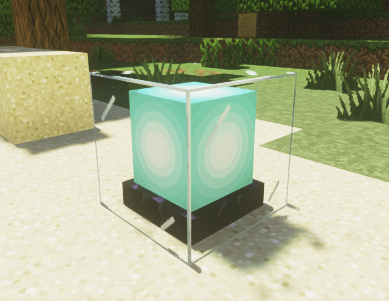
Be Careful!
If an enemy breaks your main core, they will be able to steal all the gold you have collected! In addition, all other Interplanetary cores will also cease to exist if your main core is destroyed! Make sure to protect it!
#
The basics
The core is placed when you create a kingdom by doing /k create <name>.
If you feel like the area of the core is not the best, you can always move it by doing /k setcore.
Be careful!
Setting your core outside your existing claims / territory will disband all your existing claims and Interplanetary Cores! Use caution before running /k setcore!
If you right-click the core block, a menu will pop up.
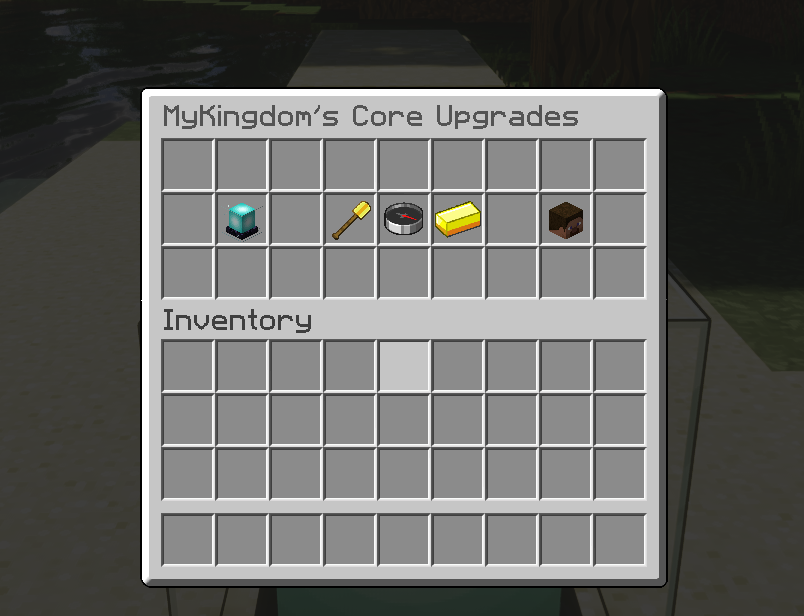
Here you can manage many aspects of your kingdom. Some include but are not limited to:
- Managing and removing claims
- Managing, promoting, demoting, and kicking members
- Add extra claims to your kingdom
- Buy kingdom gold
- Open up the progression tree and purchase unique items.
#
How to go to your home
In kingdoms, to go home, you can type /k home to go to your home. Your main home will always be on top of your kingdom core. It is advised to try and protect it as much as possible!
If you have one or more Interplanetary Cores, you can do /k home list to see a list of all the available homes you have.

If your main core is destroyed, you cannot go to any of your kingdom homes, as the main core is destroyed. Likewise, if any of your other Interplanetary cores are destroyed, you cannot go to their homes.
#
Core Health
Core health is the amount of times it takes for the enemy to destroy your kingdom core. The more Core Health you have, the longer it will take to destroy your kingdom core. By default, all kingdoms start off with 1 core health. You can purchase more core health in the Core Upgrades menu.
#
Interplanetary Cores
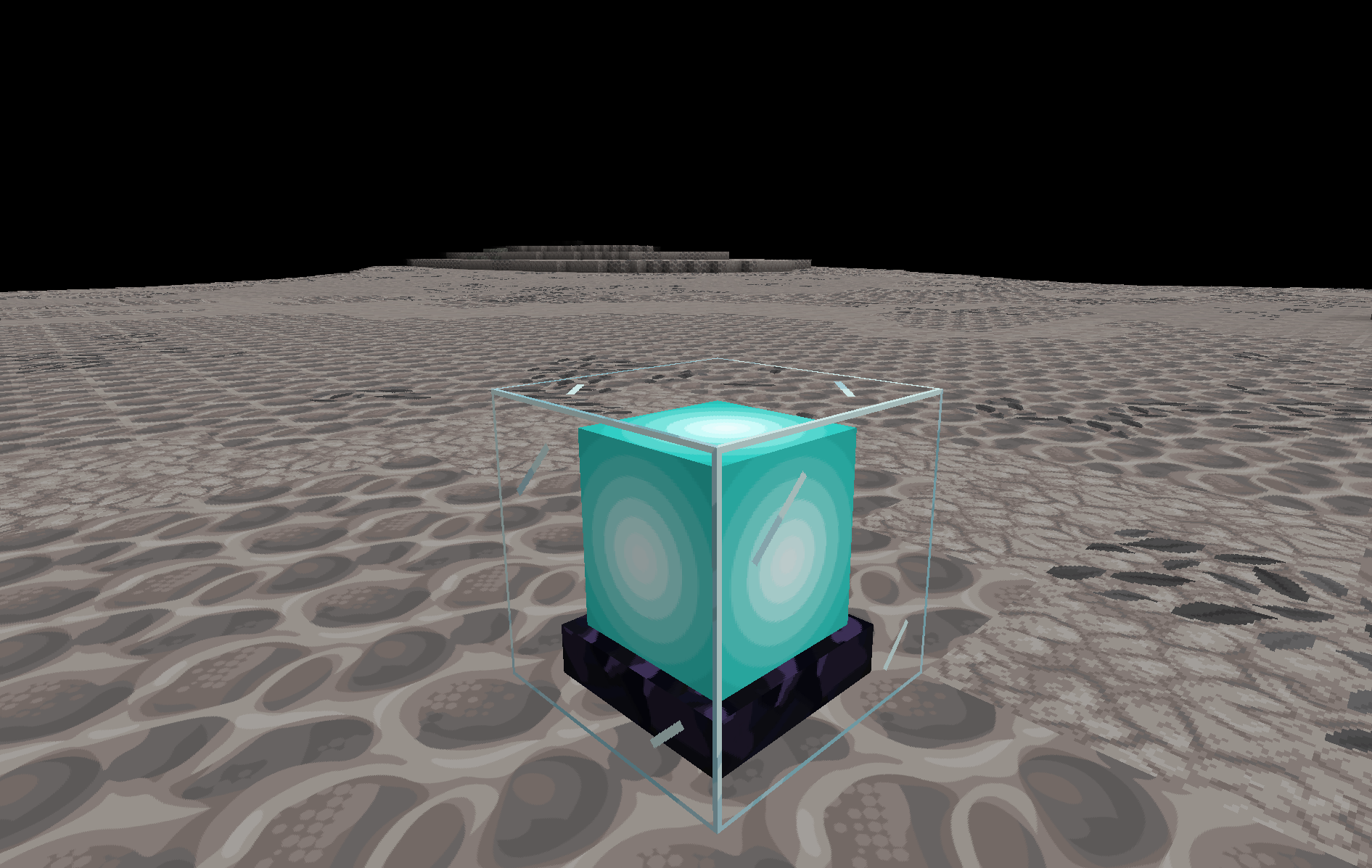
A new unique feature to kingdoms is the concept of a Interplanetary Core, or an IPC for short. These serve as secondary "outpost" cores on which you can claim land in other dimensions. For instance, if your main core is in the overworld, you can claim a piece of land in the nether, end, or any other planets. These cores however are expensive to buy in the Progression Menu, as they are extremely valuable. Any kingdom can only have a maximum of 3 Interplanetary cores.
#
Benefits
- A chunk of land is claimed in that dimention allowing you to expand
- You can go to that IPC core by doing
/k home <worldname>to view a list of all homes, do/k home list
#
Limitations
As Interplanetary Cores are secondary cores, they have their drawbacks. These drawbacks include:
- Cannot access several menus such as Gold Menu, Core Upgrades, and Progression.
- Limited to one core health
- The main core and IPC core cannot exist in the same world.
- 2 IPC cores cannot exist in the same world.
- Enemy kingdoms can still steal gold from them
- A hard limit of 3 IPC cores per kingdom.
- If destroyed by an enemy kingdom, ALL of your IPC core locations are announced to the server, including your main core. Use wisely!
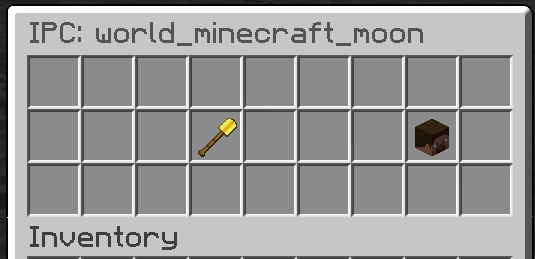
Despite these limitations, the sole fact you can claim in multiple dimensions and have another kingdom home could make the expensive offer worth the cost.
#
Setting an Interplanetary Core
- Once you have purchased an IPC core, find a spot in the dimention you want to claim, then run
/k setipc. This will place your IPC core beneath your feet. Please note that once set, you cannot move your IPC core, unless you disband it and set it again. - To disband your IPC core, do
/k disbandipcin the dimention you want to disband your IPC. All claims in that world will then get removed. - To view the amount of IPCs you have, you can do
/k infoto see the number of IPCs you have.